Plan a Home Desk Corner Without Taking Over the Room
A home desk corner should support the work you actually do, fit the available room, and close down without leaving equipment across the household. This is a furniture and organization guide, not a medical workspace assessment or a promise that one setup suits every body.
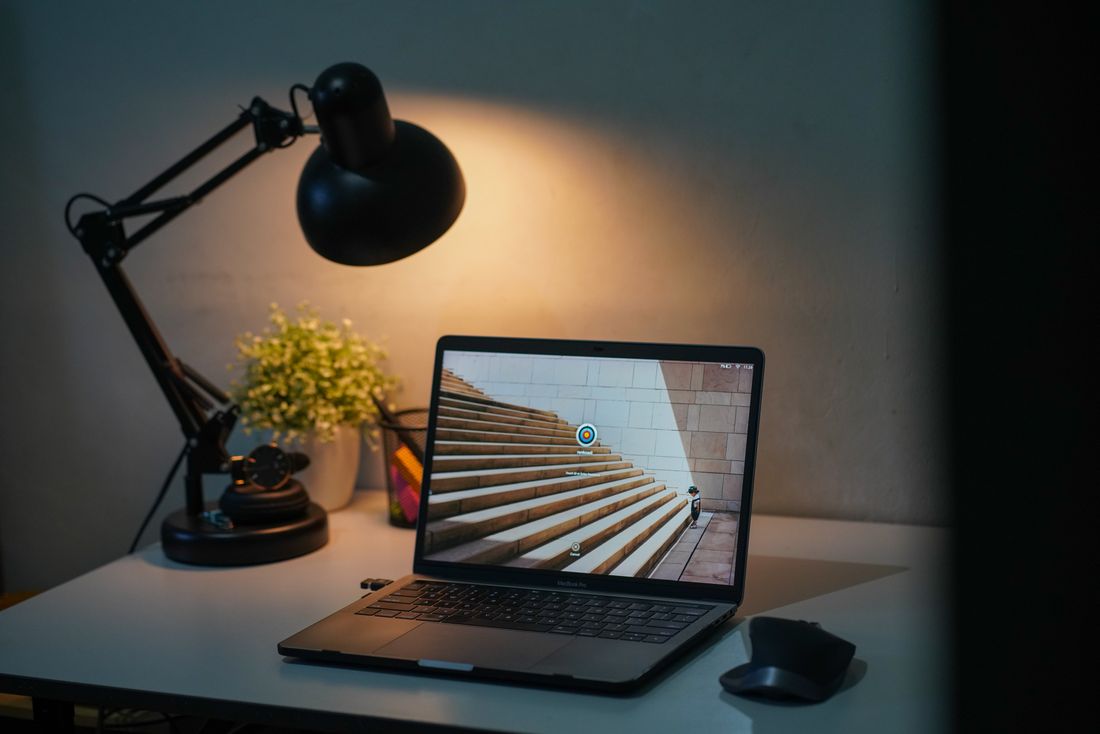
Photo: Andre Purwadi · License. Illustrative stock photography.
Define the actual work session
List the tools used together: laptop, external screen, keyboard, notebook, drawing materials, or a video-call camera. Separate daily items from occasional equipment. A desk for brief administration may need less surface than a desk used for long creative projects, but both need room for their real tools. Identify the longest normal session and whether others use the same corner. Shared use may make adjustability and simple storage more important than a highly specialized arrangement.
Measure the working footprint
Include the tabletop, chair movement, access behind the chair, drawer opening, and any computer stand. Draw the chair in its pulled-out position instead of showing it neatly tucked in. Keep exits and household routes clear. A desk that fits between two walls can still feel impractical if the chair traps the user or blocks a doorway. Test the space with a real chair before buying so the plan reflects how the corner is occupied.
Arrange the equipment by task
Put the main screen and input tools where you can use them comfortably and adjust them within the equipment's instructions. Keep the objects used together near each other so every task does not require clearing the whole surface. A laptop stand may require separate input devices; include their footprint and storage. Do not assume a monitor riser corrects every setup. If comfort problems persist, seek appropriate individual advice rather than relying on furniture marketing claims.
Check daylight and task lighting
Try the corner at different times of day. Notice reflections on the screen, a bright window in a video call, and whether your body casts a shadow over handwritten work. A movable task lamp can supplement the room's lighting without requiring changes to wiring. Check its base, reach, controls, and cable route. Use it within the manufacturer's instructions and choose lighting by the actual tasks rather than by a decorative image of an otherwise empty desk.
Contain paper and cables
Keep one place for active paper and a separate archive if needed. A narrow vertical file can hold the current project without turning the desk into a storage shelf. Label both ends of frequently confused cables and leave enough slack for normal movement. Do not route cords through door gaps or beneath rugs. Organizing equipment is different from electrical installation: do not modify plugs, wiring, or power accessories to make an arrangement look cleaner.
Give the corner an end-of-day state
Decide what stays on the surface and what goes into a drawer, tray, or bag. A five-minute reset is easier when every active item has an assigned destination. If the room doubles as a living area, a closed laptop and a compact project folder may be enough to signal that work has ended. Protect private papers and device access in a shared household. Review the setup after an ordinary working week rather than judging it from the first tidy photograph.
Your working checklist
Checkmarks stay in this browser when storage is available. They do not submit a form or complete a booking.
Put it into practice
- Lay out the equipment used in a typical session on an existing table. Measure that arrangement and note the tools that must remain accessible together before selecting a desk footprint.
- Mark the desk and pulled-out chair in the proposed corner. Walk every neighboring route and test doors and drawers, then reject locations that create access problems for the household.
- Set up the screen, task tools, lamp, and paper storage using the manufacturers' guidance. Route cables without pinching or concealing unsafe connections, and keep power accessories accessible for inspection.
- Work in the corner for several ordinary sessions. Record the specific friction points, adjust one feature at a time, and establish a repeatable end-of-day storage state before buying more accessories.
Before you finish
- Chair can move
- Routes stay clear
- Equipment fits together
- Glare was checked
- Cords remain inspectable
- Private papers have storage
Common questions
Do I need a separate desk?
Not always. A shared table can work when equipment fits and can be packed away easily. Give work materials a dedicated storage home so meals and other activities do not require an elaborate reset.
Will a monitor stand fix an uncomfortable setup?
It can change screen position, but it is only one component. The desk, chair, input tools, task, and personal needs all matter. This guide does not provide individualized health or ergonomic treatment advice.
Is a corner facing a window best?
There is no universal position. Test screen reflections, brightness changes, and video-call framing. A side position may be useful in one room and impractical in another, depending on the window and available lighting.