Cable Management for a Desk or Media Corner
Cable management should make a setup easier to use, inspect, and change. A tightly hidden bundle is not automatically an improvement. This plan is for organizing ordinary device cables around furniture; it does not cover electrical installation, outlet changes, or modifying power equipment.
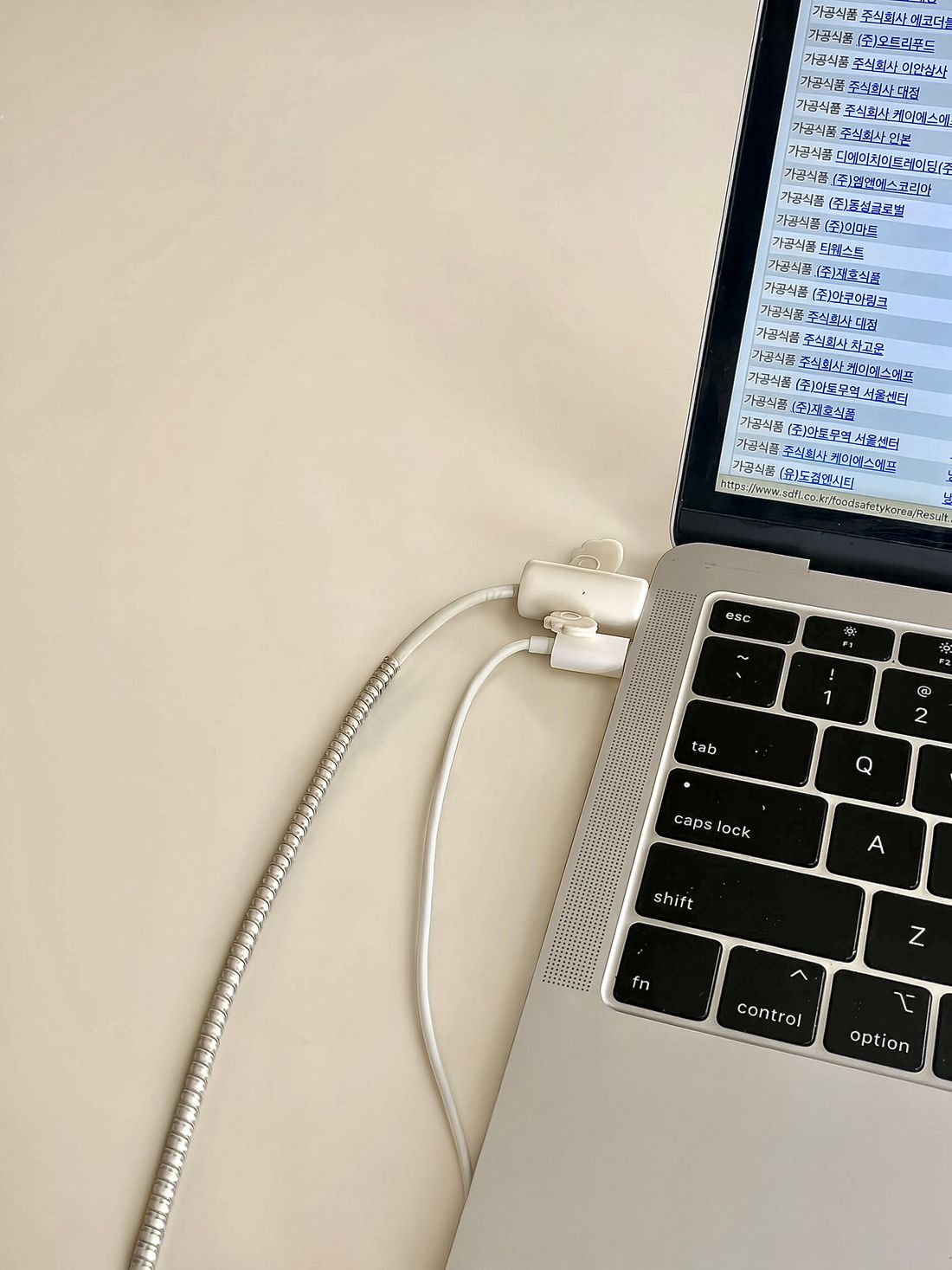
Photo: JuJu · License. Illustrative stock photography.
Map the devices before buying accessories
List each device, its cable type, and where it connects. Separate power cords, charging leads, and data or display cables in the inventory so you understand what the setup actually needs. Photograph the existing connections before unplugging anything you can safely disconnect. Note which devices move and which stay in place. The useful result is a simple connection map, not a collection of cable clips that cannot accommodate the plugs you own.
Remove only what is genuinely unused
Trace each cable end to end rather than assuming that an unrecognized lead is spare. Keep essential connections and device-specific adapters with their equipment. Put suitable unused cables in a labeled backup location instead of leaving them behind the desk. If an item is damaged, frayed, or uncertain, stop using it and seek an appropriate replacement or qualified advice. Do not repair or improvise a power lead to preserve a tidy arrangement.
Route for furniture movement
Consider chair movement, monitor adjustment, a standing desk's full travel, and access to drawers. Leave enough slack at moving joints without creating a loop across the walking route. Keep cables away from pinch points, sharp edges, heat, and areas where a door can close on them. Do not hide cords beneath rugs. A route that looks neat with the desk motionless may fail as soon as someone raises it or rolls the chair back.
Use reversible grouping rather than tight binding
Reusable ties can group compatible cables loosely enough to identify and remove one when necessary. Follow device and accessory instructions about bend radius, ventilation, and routing. Do not crush cables with overtightened fasteners or press connectors sideways against a wall. Keep power accessories visible and suitable for their intended use; a decorative box does not make every enclosed arrangement acceptable. The objective is readable organization, with individual connections still accessible for normal maintenance.
Label both ends of similar leads
Use a short plain label such as monitor display, laptop charge, or speaker power. Put the label where it can be read without pulling on the connector. Distinguish the normal use of interchangeable-looking cables if their capabilities differ. Keep a small inventory of special adapters so replacements can be identified later. Avoid publishing photos that reveal private device identifiers or network information when sharing the finished desk online.
Test the whole setup and keep it editable
Reconnect according to device instructions and check each device individually. Move the furniture or adjustable equipment through its intended range and watch for tension. Keep the connection map where you can find it during the next change. A successful setup lets you replace one cable without dismantling the entire arrangement. Review new accessories before adding them, because each extra hub, charger, or light introduces another connection and another reason for the plan to evolve.
Your working checklist
Checkmarks stay in this browser when storage is available. They do not submit a form or complete a booking.
Put it into practice
- Photograph and map the connections, identifying both ends of every cable. Mark moving devices and record any special adapter so the arrangement can be restored without guesswork.
- Disconnect only equipment you can handle safely under its instructions. Remove confirmed unused leads, separate damaged items from use, and decide where a small labeled backup collection will live.
- Choose routes alongside suitable furniture surfaces, away from pinch points and walking paths. Add loose reusable grouping and readable labels while keeping equipment ventilation and connection access clear.
- Test every device and every normal furniture movement. Check that no cable becomes taut, trapped, or hidden under a rug, then save the updated connection map for the next equipment change.
Before you finish
- Both ends are identified
- Damaged leads leave use
- Routes avoid pinch points
- Movement has enough slack
- Connections stay accessible
- No cords run beneath rugs
Common questions
Should I hide every cable inside a box?
No. An enclosure must suit the equipment and its instructions, including ventilation and access. Hiding a connection is not a safety improvement by itself; readable, inspectable routing may be the better choice.
Can I shorten a power cord myself?
This guide does not cover modifying power equipment. Use an appropriate approved replacement specified for the device or seek qualified advice. Do not cut or rewire a cord for appearance.
How tight should a cable bundle be?
Use only enough restraint to keep the route organized without crushing insulation or stressing connectors. Follow the relevant equipment and accessory instructions, and preserve enough flexibility to remove or replace individual leads.